ECIM 504 · AI for Everyday Life
Turn curiosity into something you can use
Choose a practical project, learn the AI tools step by step, and create something useful for your life, family, or community.
Explore projects
200 learners and growing
Creative inspiration
Three ways to begin
Follow the idea that catches your attention. Each illustration opens a collection of practical projects.
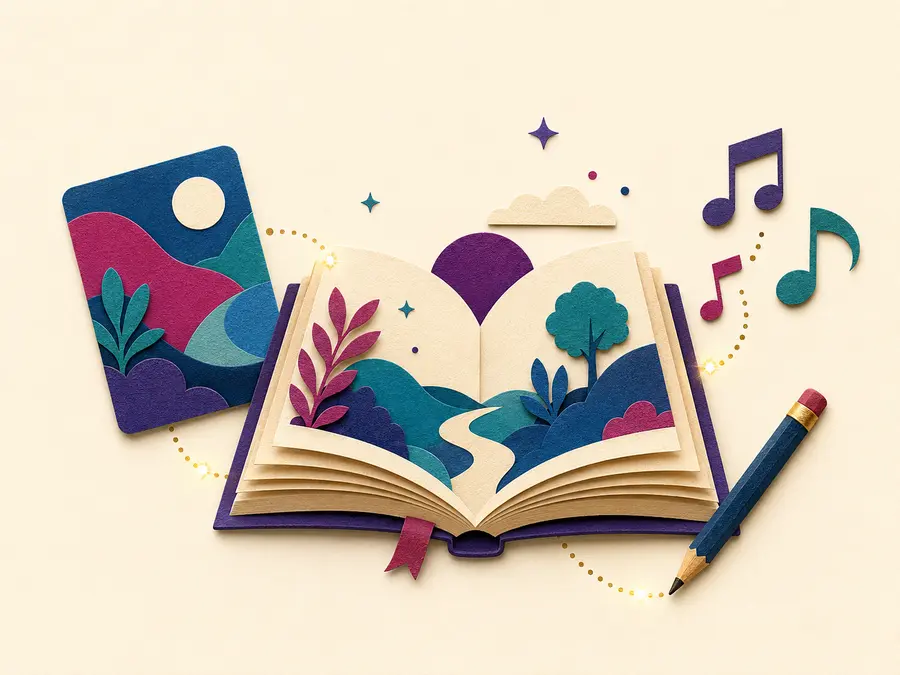
Create & Tell
Transform ideas and memories into stories, images, and music.
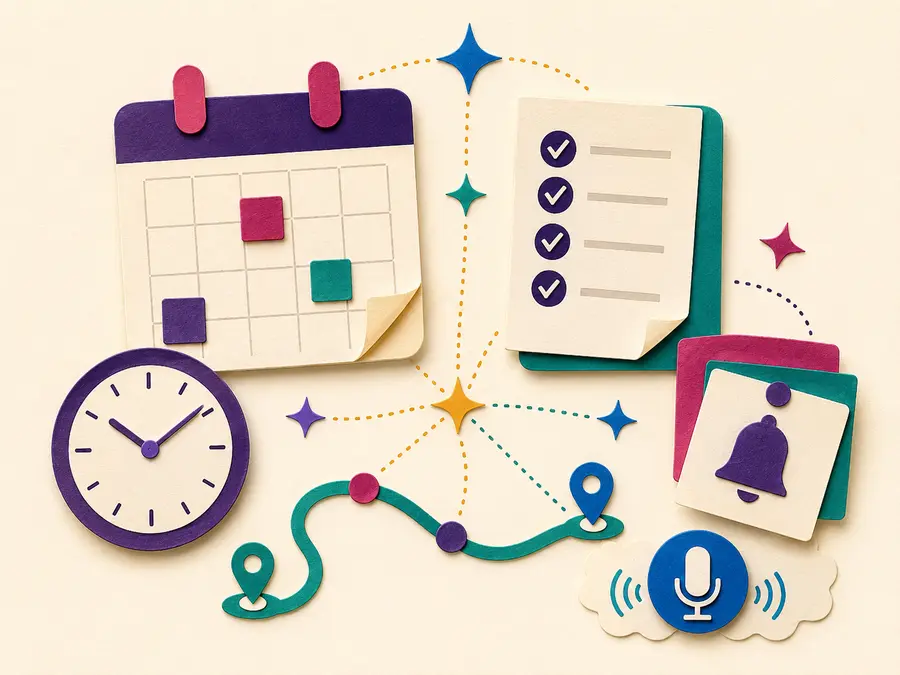
Plan & Organize
Use AI to support schedules, routines, reminders, and everyday decisions.

Explore & Learn
Follow curiosity through travel, research, books, languages, and discovery.
Start with what excites you
Suggested projects
Choose one small win
Every project connects to ECIM 504 and produces something practical. Start small, make it personal, and share only when you are ready.
Showing 14 projects
Beginner20 minutes
Plan & Organize
Build a smarter weekly plan
Turn appointments, errands, and personal goals into a clear plan you can actually follow.
You will make: A realistic seven day schedule with breathing room.
Suggested toolsChatGPT, Copilot, Claude, or Gemini
Open project guide
Try this prompt
Help me make a realistic weekly plan. Ask me for my fixed appointments, priorities, preferred pace, and time for rest before creating it.
Three steps
- List fixed commitments and three priorities.
- Ask the AI to organize them without overfilling the week.
- Review the plan and move anything that feels unrealistic.
Responsible AI check
Do not include private account numbers, medical details, or information about other people.
Beginner20 minutes
Connect & Share
Draft a warm personal email
Use AI to shape a clear message while keeping your own personality and meaning.
You will make: A polished email that still sounds like you.
Suggested toolsChatGPT, Copilot, Claude, or Gemini
Open project guide
Try this prompt
Help me draft a warm and concise email. First ask who it is for, what I need to say, and what tone would fit.
Three steps
- Describe the recipient without sharing sensitive details.
- State the purpose and desired tone.
- Edit the draft so every sentence sounds natural to you.
Responsible AI check
Remove private details and verify names, dates, promises, and attachments before sending.
Beginner30 minutes
Create & Tell
Create a family story card
Shape a favorite memory into a short story and pair it with an original visual.
You will make: A shareable story card for family or friends.
Suggested toolsChatGPT or Claude plus Canva or Adobe Express
Open project guide
Try this prompt
Turn these notes into a warm 150 word family story. Preserve the facts, use plain language, and mark anything that needs verification.
Three steps
- Write five facts you remember clearly.
- Create and revise the short story.
- Design a readable card with a caption and image description.
Responsible AI check
Ask permission before sharing another person’s story or likeness.
Explorer35 minutes
Create & Tell
Design an original celebration image
Make a birthday, holiday, or community graphic with an AI image tool and accessible text.
You will make: An original image with a clear caption and alt text.
Suggested toolsCanva, Adobe Express, Gemini, or ChatGPT image tools
Open project guide
Try this prompt
Create an original cheerful illustration for a community celebration. Use high contrast, leave open space for a short heading, and do not imitate a living artist.
Three steps
- Choose the audience, mood, and color palette.
- Generate two ideas and compare them.
- Add a readable heading, caption, and useful alt text.
Responsible AI check
Avoid copyrighted characters, deceptive photorealism, and requests to copy a living artist’s style.
Explorer45 minutes
Create & Tell
Compose a short theme song
Turn a mood, memory, or hobby into a short original music concept.
You will make: A short song draft plus notes about creative choices.
Suggested toolsSuno or another course approved music tool
Open project guide
Try this prompt
Help me describe an uplifting original song about lifelong learning. Suggest tempo, instruments, structure, and mood without naming or copying a specific artist.
Three steps
- Write the idea and emotional goal.
- Create a music prompt using general musical qualities.
- Listen critically and document what you changed.
Responsible AI check
Use original lyrics and general musical descriptions. Respect performer, songwriter, and platform rights.
Beginner25 minutes
Explore & Learn
Decode a difficult article
Turn a complicated article into plain language, key ideas, and questions for further research.
You will make: A one page learning note with verified takeaways.
Suggested toolsChatGPT, Claude, Copilot, Gemini, or Perplexity
Open project guide
Try this prompt
Explain this article in plain language. Separate the author’s claims from established facts and give me three questions to verify.
Three steps
- Choose a trustworthy article and save its link.
- Ask for a plain language explanation.
- Check important claims against the original and another reliable source.
Responsible AI check
A confident summary can still be wrong. Return to the original source before sharing conclusions.
Explorer45 minutes
Explore & Learn
Plan a curiosity driven day trip
Research a destination, compare ideas, and create an accessible itinerary with a backup plan.
You will make: A timed itinerary, packing list, budget estimate, and Plan B.
Suggested toolsPerplexity plus ChatGPT, Copilot, Claude, or Gemini
Open project guide
Try this prompt
Help me plan a comfortable day trip. Ask about starting point, mobility needs, interests, budget, driving tolerance, and preferred pace.
Three steps
- Set the date, pace, budget, and accessibility needs.
- Research hours, costs, parking, and reservations.
- Verify every time sensitive detail on the official website.
Responsible AI check
Never rely on AI alone for opening hours, road conditions, prices, accessibility, or emergency information.
Explorer35 minutes
Explore & Learn
Run a recommendation challenge
Compare AI suggestions for books, films, music, or recipes and discover how prompts change results.
You will make: A ranked list with your own reasons for each choice.
Suggested toolsTwo different AI chat tools
Open project guide
Try this prompt
Recommend five options based on these interests. Explain why each fits and ask two questions that would improve the recommendations.
Three steps
- Give the same prompt to two tools.
- Compare overlap, variety, and missing perspectives.
- Rank the results using criteria you choose.
Responsible AI check
Recommendations are predictions, not facts. Watch for stereotypes, hidden advertising, and made up titles.
Beginner25 minutes
Plan & Organize
Practice useful voice commands
Create and test a small set of voice commands for reminders, messages, timers, or media.
You will make: A personalized voice command cheat sheet.
Suggested toolsSiri, Google Assistant, Alexa, or device voice access
Open project guide
Try this prompt
Help me make a practice list of ten useful voice commands for reminders, timers, communication, and accessibility.
Three steps
- Choose two everyday tasks that voice control could simplify.
- Practice several ways to phrase each command.
- Record what worked and review device privacy settings.
Responsible AI check
Check whether voice recordings are stored, who can hear responses, and which apps have microphone access.
Builder40 minutes
Plan & Organize
Complete a privacy settings checkup
Use a guided checklist to review permissions on a phone, tablet, computer, or AI account.
You will make: A completed privacy checklist and two settings improvements.
Suggested toolsYour device settings plus an AI assistant for explanations
Open project guide
Try this prompt
Explain these privacy settings in plain language. Do not tell me what to choose. Give the benefits and tradeoffs of each option.
Three steps
- Review camera, microphone, location, contacts, and photo permissions.
- Ask for plain language explanations of unfamiliar settings.
- Change only settings you understand and record what you changed.
Responsible AI check
Never share screenshots that reveal passwords, account numbers, private messages, or security codes.
Builder35 minutes
Explore & Learn
Become a deepfake detective
Examine an image, video, or claim using observation, source checking, and reverse questions.
You will make: A short evidence based credibility report.
Suggested toolsAI chat tool plus trusted news and official sources
Open project guide
Try this prompt
Help me evaluate this claim. Give me a verification checklist, identify what evidence is missing, and do not assume it is true or false.
Three steps
- Pause before reacting or sharing.
- Find the earliest available source and check context.
- Compare multiple reliable sources and describe remaining uncertainty.
Responsible AI check
AI detectors are not proof. Use source history, context, corroboration, and human judgment together.
Builder60 minutes
Connect & Share
Plan a community learning event
Build a welcoming event outline with goals, schedule, materials, accessibility, and communication.
You will make: A complete one page event plan ready for human review.
Suggested toolsChatGPT, Copilot, Claude, or Gemini plus Canva
Open project guide
Try this prompt
Help me plan a welcoming one hour community learning event. Include a clear goal, agenda, materials, accessibility, technology backup, and follow up.
Three steps
- Define the audience and one learning goal.
- Draft the schedule and accessibility supports.
- Have a real organizer review every commitment before sharing.
Responsible AI check
Do not invent approvals, partners, costs, accommodations, or availability. Confirm each one with the responsible person.
Beginner25 minutes
Plan & Organize
Prepare for a wellness conversation
Organize questions and observations for a visit with a qualified health professional.
You will make: A concise question list and personal notes for an appointment.
Suggested toolsAn AI chat tool without private identifiers
Open project guide
Try this prompt
Help me organize general questions for a health appointment. Do not diagnose or recommend treatment. Group my questions by topic and leave space for notes.
Three steps
- Write general questions without names or identifying details.
- Ask AI to organize, not answer, the medical questions.
- Bring the list to a qualified professional and record their guidance.
Responsible AI check
AI is not a clinician. Do not use it for diagnosis, medication changes, emergencies, or treatment decisions.
Explorer30 minutes
Connect & Share
Create an AI use reflection
Document what an AI tool helped with, what you changed, and how you checked the result.
You will make: A transparent reflection that supports responsible sharing.
Suggested toolsAny AI tool used in class
Open project guide
Try this prompt
Help me reflect on this AI assisted project. Ask what I contributed, what the tool contributed, what I verified, and what I would change next time.
Three steps
- Save the prompt and the first result.
- Describe your edits and fact checking.
- Write a short disclosure appropriate for the audience.
Responsible AI check
Be honest about meaningful AI assistance and protect any private information used during the process.
A simple learning rhythm
Ask, create, check, reflect
AI works best as a thinking partner. You remain the decision maker, editor, fact checker, and creative director.
- 1Ask
Describe the goal, audience, and constraints.
- 2Create
Generate a starting point, then personalize it.
- 3Check
Verify facts, privacy, accessibility, and fairness.
- 4Reflect
Notice what worked and what you would change.
Responsible AI
Use the SAFE check before you share
Responsible use is part of every project, not an extra step at the end.
Stop and notice
Pause when a result creates a strong emotional reaction or asks for private information.
Ask what is missing
Look for absent context, viewpoints, sources, and accessibility needs.
Fact check
Verify important claims with original, current, and trustworthy sources.
Evaluate the impact
Consider privacy, bias, ownership, transparency, and who could be affected.
Keep exploring
Your course tool shelf
Free accounts are enough for most projects. Choose one tool at a time and learn it through a meaningful task.
Think and write
ChatGPT, Claude, Microsoft Copilot, and Gemini can help with questions, drafts, plans, and explanations.
Research and verify
Perplexity and source based research can help locate evidence. Always open and evaluate the original sources.
Create and communicate
Canva, Adobe tools, image generators, and Suno can support visuals, media, and original creative exploration.
ECIM 504 · Fall 2026
Introduction to AI for Everyday Life · Saddleback College Emeritus Institute